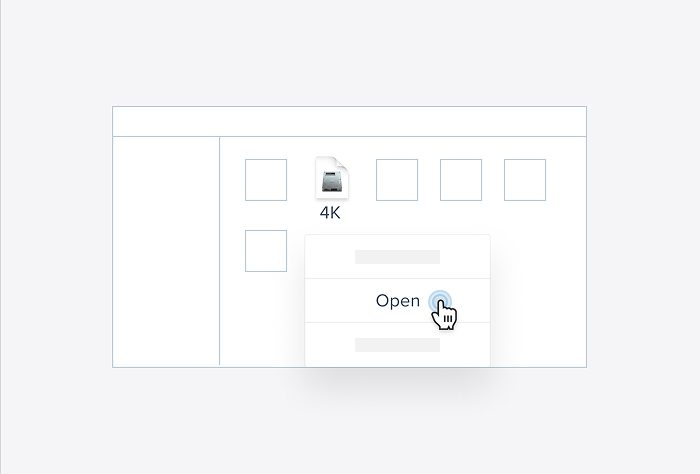
After I selected the video, I downloaded it into an MP4 format with https://notube.lol . After downloading it, I converted it into a WMV format with https://convertio.co. After that, I uploaded it to my Google Drive to ensure access to the video, thanks to the link uploaded on this netboard.
It was a very quick and easy process; thus, I would follow the same steps next time I need to download a YouTube video.
Depending on your computer's settings, these websites should appear in the language selected by default, and since there are no complicated instructions (you only have to click 2 buttons for the video to be downloaded), everything goes smoothly and makes the experience easy and enjoyable.
Login or Sign Up
Login
Sign Up
Forgot password?
Enter your email and we'll send you reset instructions
Network
My requests
You don't have any notifications
You have no active requests
Please introduce yourself to proceed
My Uploads
Score:
Embed HTML
Many sites and online services, like Google Maps, suggest HTML code (usually iframes) to embed widgets and content on your page.
You can add such HTML widgets in your quizzes.
Please note:
In case pasted code is not just iframe tag it will be wrapped into HTTPS iframe.
Only HTTPS sources for iframes, styles and javascript links are supported.
Non-HTTPS sources will be blocked by the browser and won't behave properly.